Why I needed it
On a normal day two AI agents work in the same codebase with me:
- GitHub Copilot writes most of the code. Its token budget is limited, so I keep it on implementation, refactors and tests.
- Claude (Claude Code in the terminal plus a Claude project in the browser) does analysis, design reviews, meeting notes, documentation and planning.
Both are good. Neither remembers anything.
Every new session started from zero. A decision taken in a design review lived in one Claude chat. Copilot’s summary of what it had changed sat in its own checkpoint files, which nobody else could read. A design doc existed only as a Claude artifact link. When I asked Copilot to implement something Claude had designed, I spent the first ten minutes pasting context, and I still got code that ignored a decision from the week before. Switching between the two agents meant I was the only memory, and I was the bottleneck.
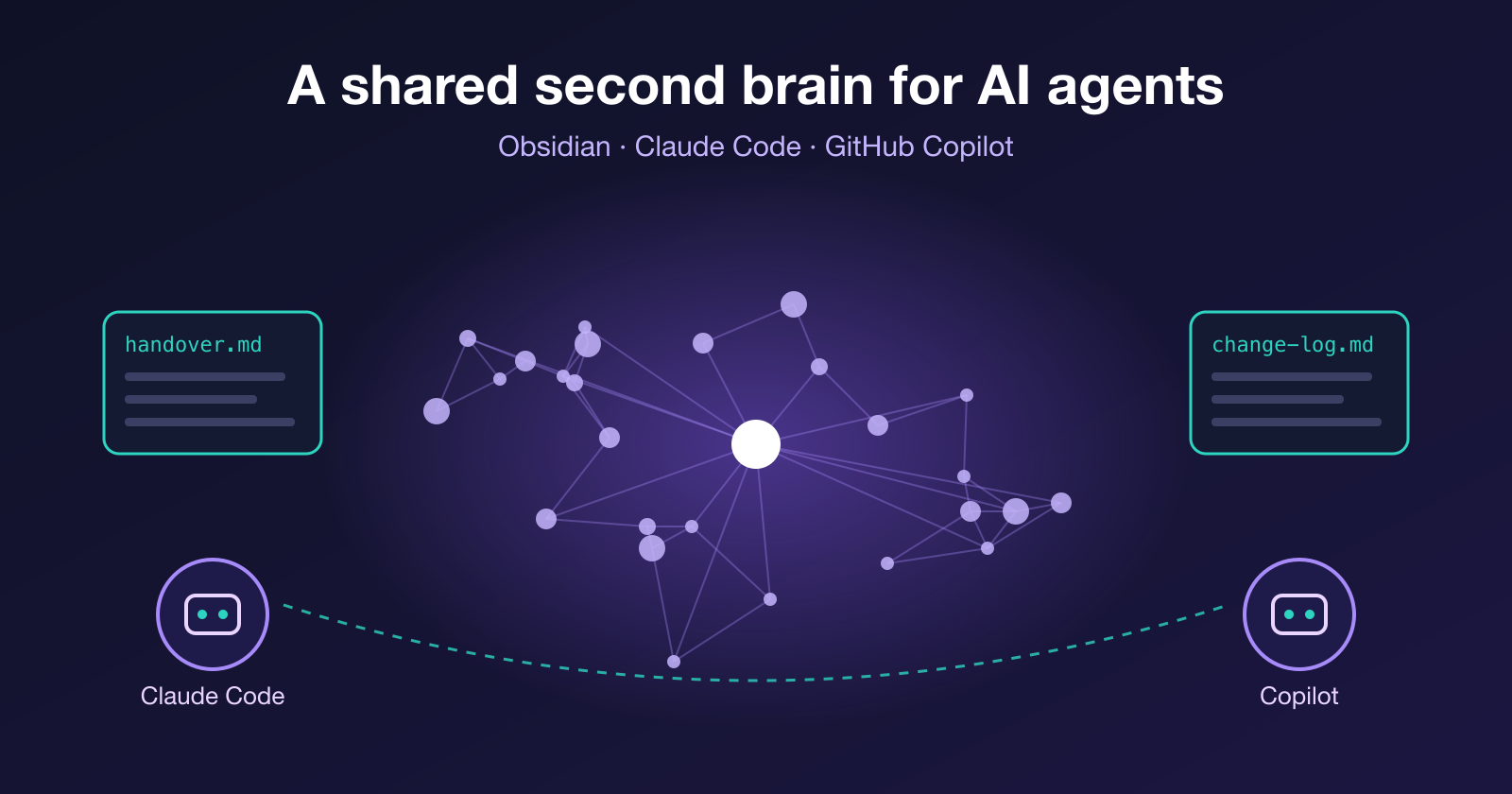
So I gave them a shared memory: an Obsidian vault that sits next to the code, which both agents are told to read first and write back to.
The idea in one paragraph
The vault is plain markdown in a folder inside the workspace. Obsidian is how I read it (graph, backlinks, Tasks, Dataview). The agents read and write the same files with their normal file tools. One instruction file (AGENTS.md) tells every agent where the vault is and in what order to read it. One skill (work-vault) tells them where each kind of note goes. Three root notes do most of the work: a handover note (live state), a change log (everything that changed, newest first) and a memory note per agent (what that agent learned about working here).
Layout: PARA, plus three root notes
I organised the vault with PARA (Projects, Areas, Resources, Archives) because it gives a simple test for where a note belongs, which matters more for an AI than for me.
workspace/
├── AGENTS.md              ← agent instructions (one file for every agent)
├── CLAUDE.md              ← just "@AGENTS.md"
├── .claude/skills/        ← shared skills
├── .github/skills -> ../.claude/skills   (Copilot sees the same skills)
├── <your code>
└── vault/
    ├── 00-Home.md          ← map of the vault + "how to add a note" table
    ├── 01-Change-Log.md    ← every change, newest first, tagged
    ├── 02-Handover.md      ← live state, overwritten every session
    ├── 0-Inbox/            ← "I'll file this later"
    ├── 1-Projects/         ← work with a goal and an end date
    ├── 2-Areas/            ← ongoing: AI-Memory/, Decisions/, Meetings/, Rules ...
    ├── 3-Resources/        ← design docs, reviews, prompts
    ├── 4-Archives/         ← finished or superseded, never deleted
└── Templates/| Folder | Test |
|---|---|
1-Projects/ | “It will be finished one day” |
2-Areas/ | “I keep looking after this” |
3-Resources/ | “Useful to look up” |
4-Archives/ | “No longer active” (move here, never delete) |
0-Inbox/ | “Not sure” (I triage it weekly) |
The three root notes are what make it work as agent memory rather than a personal wiki.
02-Handover.md: the live state
Overwritten at the end of every session, by whoever (or whichever agent) worked last. It is short and always has the same sections:
---
type: handover
updated: YYYY-MM-DD
last-agent: Claude | Copilot
---
# Handover (live state, overwrite each session)
## Current focus
## Done this session
## Current state        (branch, what is committed, what is still local)
## Next steps in order
## Gotchas
## Open questions
This is the note that lets me say “continue” to a fresh session, or to a different agent, and get something useful.
01-Change-Log.md: what changed, when, and where it is recorded
One dated heading per day, one bullet per change, tagged and linked to the detail note:
## YYYY-MM-DD
- `#decision` What was decided, in one sentence. Why, if not obvious. → [[detail-note]]
- `#code` What changed, where, committed or not, test result. → [[detail-note]]
Tags are #code #design #decision #meeting #process #incident. When I want to know “what did we decide about X and when”, this is the first place I look, and it is the first place the agents look too.
2-Areas/AI-Memory/: one note per agent
Each agent has its own memory note with a dated Learned section. This is for things about how to work here, not about the code: tooling quirks, preferences, mistakes not to repeat. For example, “always re-check git status before describing a branch, the human may have committed since”. Both notes point to a shared index with the common rules.
Wiring the agents to it
One instruction file for both agents
Claude Code reads CLAUDE.md; Copilot reads AGENTS.md. Rather than keep two copies in sync, CLAUDE.md is a single line that imports the other:
@AGENTS.mdAnd AGENTS.md carries the rules plus the reading order:
# Shared agent instructions (Claude Code + GitHub Copilot)

## Rules
- Never git commit or push. Leave changes uncommitted for review.
- No secrets, tokens or personal data in code comments, notes or the vault.

## Memory = the Obsidian vault (read first, write back)
Before any task, read in this order:
1. vault/02-Handover.md (live state)
2. the newest entries of vault/01-Change-Log.md
3. your own memory note in vault/2-Areas/AI-Memory/
4. the project or area note you will touch

While and after working, update the vault in the same session (use the work-vault skill):
- every change → dated entry at the top of 01-Change-Log.md + the owning note
- something you learned about how to work here → your memory note, "Learned", dated
- end of session → overwrite 02-Handover.md

When the vault and anything else disagree (chat history, old notes), the vault wins;
fix the stale note.
That last line turned out to be important. Without a stated tie-breaker, an agent that finds two conflicting facts picks one at random.
Shared skills through a symlink
Skills live in .claude/skills/<name>/SKILL.md. Copilot picks up skills from .github/skills, so that is a symlink to the same folder:
ln -s ../.claude/skills .github/skillsOne copy, both agents. (I wrote about skills for coding standards in Copilot Agent Skills for Java, Spring Boot, MongoDB and Restate.)
The work-vault skill: where does this note go?
An instruction like “keep the vault updated” is too vague. Agents either write nothing or dump everything into one file. The skill turns it into a lookup table. Its description is deliberately long so it triggers on the moments that matter:
---
name: "work-vault"
description: "Use whenever work produces something worth keeping or handing over:
  a decision, a design, a meeting or review outcome, a rule, a code change,
  an open question, a task, or the end of a working session. Also use when asked
  to 'save', 'remember', 'note', 'log', 'hand over' or 'update the vault', or
  before starting work to load context from the vault."
---
The body is mostly this table:
| What | Where | Template |
|---|---|---|
| Every change | Top of 01-Change-Log.md, tagged, linking the detail note | Change-Log-Entry |
| Decision | Top of Decisions-Log.md (context, decision, alternatives rejected, owner, status) | Decision-Record |
| Meeting / review | 2-Areas/Meetings/YYYY-MM-DD-Title.md | Meeting-Note |
| Design doc, plan, AI artifact | Full copy in 3-Resources/ + a row in the index | Resource-Doc |
| Rule or convention | One bullet in Rules.md, with “since when” | |
| Open question / risk | Task line in Open-Items.md with an owner | |
| Learned about working here | Your memory note, “Learned”, dated | |
| Can’t place it | 0-Inbox/ | |
| Finished / superseded | Move to 4-Archives/, never delete |
Plus a few rules that keep the notes usable:
- Date everything
YYYY-MM-DD(convert “today” and “yesterday”). - Link with
[[Note-Name]]by file name only; keep file names unique. - Mark uncertain facts
(confirmed),(assumed)or(to verify). - Tasks as
- [ ] text #owner/name 📅 YYYY-MM-DD, so they roll up in a tracker note. - No secrets or personal data. Use
<token>and say where the real value lives. - Don’t paste huge raw files; summarise and give the path.
And a short checklist the agent runs before it says it is done: change log entry? decision logged? meeting note? doc copied in? open items? handover overwritten?
Templates keep notes the same shape
Every note type has a template, which helps me in Obsidian and helps the agents produce consistent notes. The decision record is the one I value most, because “alternatives rejected” is exactly what gets lost in chat:
### YYYY-MM-DD: Decision title
- **Context:** why this came up
- **Decision:** what we chose
- **Alternatives rejected:** and why
- **Consequences / risks:**
- **Owner:** who decided (and who implements)
- **Status:** proposed | agreed | implemented | superseded by [[...]]
Obsidian side: a tracker that agents feed
Because tasks follow one format, a single tracker note with the Tasks plugin shows everything open, blocked or done this week, wherever the agent wrote it:
## Blocked / waiting
```tasks
not done
tag includes #waiting
```
A day with it
- Start. I open a Claude session: “read the handover and summarise the state in five lines”. I correct anything wrong.
- Discussion. I drop in rough notes from a review or a call. Claude writes the meeting note, adds decisions with owners, opens items for unanswered questions, and logs it.
- Hand to Copilot. Claude writes an implementation brief into the vault and lists it under “Next steps” in the handover. Copilot reads the handover, picks up the brief, implements, runs the build, and writes its own change-log line and handover.
- Back to Claude for review. Claude reads Copilot’s handover and reviews the diff against the logged decisions.
- I commit. Agents never commit or push. Everything they did is in the working tree and described in the vault.
The handover note is the baton. Neither agent has to know the other exists; they only have to follow the same protocol.
Bootstrapping: backfilling the memory
An empty vault is useless, so the first job was a backfill. I asked Claude to pull in what already existed: chat and project notes, docs scattered in repo folders, a summary of the git history, and Copilot’s own past session summaries (read-only, with anything that looked like a secret redacted). The change log was backfilled from all of that, so it starts well before the vault did.
What I learned
1. Links to AI artifacts are not memory. My first export had notes that just linked to Claude artifacts. Those are not readable by Copilot, not searchable, and not under my control. The rule now: anything produced as an artifact, doc or plan gets a full markdown copy in the vault, and the vault copy is the reference.
2. Agents default to the nearest folder. Early on I asked Claude to hand a plan to Copilot, and it wrote it into a notes folder in the repo instead of the vault. The fix was in the skill, not the prompt: the “where does it go” table now says plans go to the vault.
3. Put the vault inside the workspace. My first vault was a separate, general-purpose folder. Moving it inside the workspace meant every agent session already had it in scope, the paths in AGENTS.md became short and stable, and nothing from unrelated work leaked in.
4. Give it a tie-breaker. “The vault wins over chat history and old notes; newer dated entries win over older ones; if two notes disagree, fix the older one and log it.” Without this, stale facts survive forever.
5. Re-check reality before trusting memory. Memory says what was true when it was written. Code moves faster than notes, so the agents check the actual state (git, files) before describing it.
6. Split work by what each agent is cheap and good at. Copilot’s limited budget goes on code. Claude’s goes on thinking and writing. The vault is what makes that split work, because the expensive context (the decisions, the why) is written down once and read by both.
7. Keep secrets out structurally. The rule appears in AGENTS.md, in the skill and in each memory note. Repeating it felt excessive until the first import of old agent history, where the redaction rule actually had to fire.
8. Write down your own corrections. A dated “this was over-engineered and rebuilt” in the memory note is a better reminder than any generic “keep it simple” instruction.
Try it
You don’t need my structure. The minimum that gives you most of the value:
- A
vault/folder inside your workspace with02-Handover.md,01-Change-Log.mdand one memory note per agent. AGENTS.mdwith the reading order and “write back in the same session”, andCLAUDE.mdcontaining@AGENTS.md.- A skill with a “what goes where” table, symlinked so every agent sees it.
- Templates for decisions and meetings.
- A rule that the vault wins, and that nothing important lives only in a chat.
Open the folder in Obsidian and you get a graph of your memory for free. More importantly, the next session, yours or an agent’s, starts from where the last one stopped.
Leave a Reply