
Remove index.php from codeigniter app url in godaddy shared hosting
Removing index.php in Codeigniter application url in godaddy shared hosting server
Create the .htaccess file under root of application directory
RewriteEngine on
RewriteBase /
RewriteCond %{REQUEST_FILENAME} !-f
RewriteCond %{REQUEST_FILENAME} !-d
RewriteCond $1 !^(index.php|robots.txt)
RewriteRule ^(.*)$ index.php?/$1 [L]
If you are getting “no input file specified” ( codeigniter / wordpress )
- Login to godaddy account
- Goto hosting
- Under settings frame select file extension management
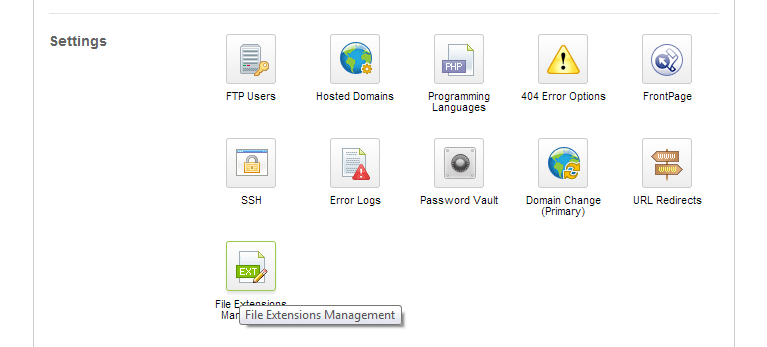
- Here you will find this “.php PHP 5.2.x FastCGI”
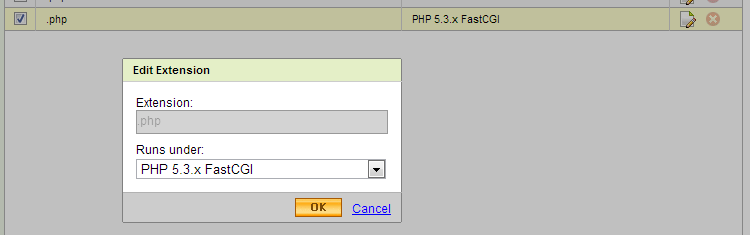
- click on edit button change it to “.php PHP 5.2.x”
- no need to change for .php5, .php4
Thats it
I am genuinely happy to glance at this webpage posts which includes
tons of helpful facts, thanks for providing these data.
Is it OK to post on Google+? Everyone loves what you guys are up too.
Keep up the superb work!